 by
by Are you stuck trying to get a passport for your child because one parent is miles away? Did you know you can notarize Form DS-3053 online in just a few minutes without visiting a physical office? If you need to notarize form ds-3053 statement of consent for your child quickly and securely, you are in the exact right place.
The US State Department issues over 24 million passports every year, and a massive percentage belong to minors under the age of 16. Federal law requires both parents to authorize a minor passport application.
When one parent cannot attend in person, they must submit a legally verified document. Let us explore how you can process your ds 3053 application form from the comfort of your home with online notary Florida.
What is the form ds-3053 statement of consent?
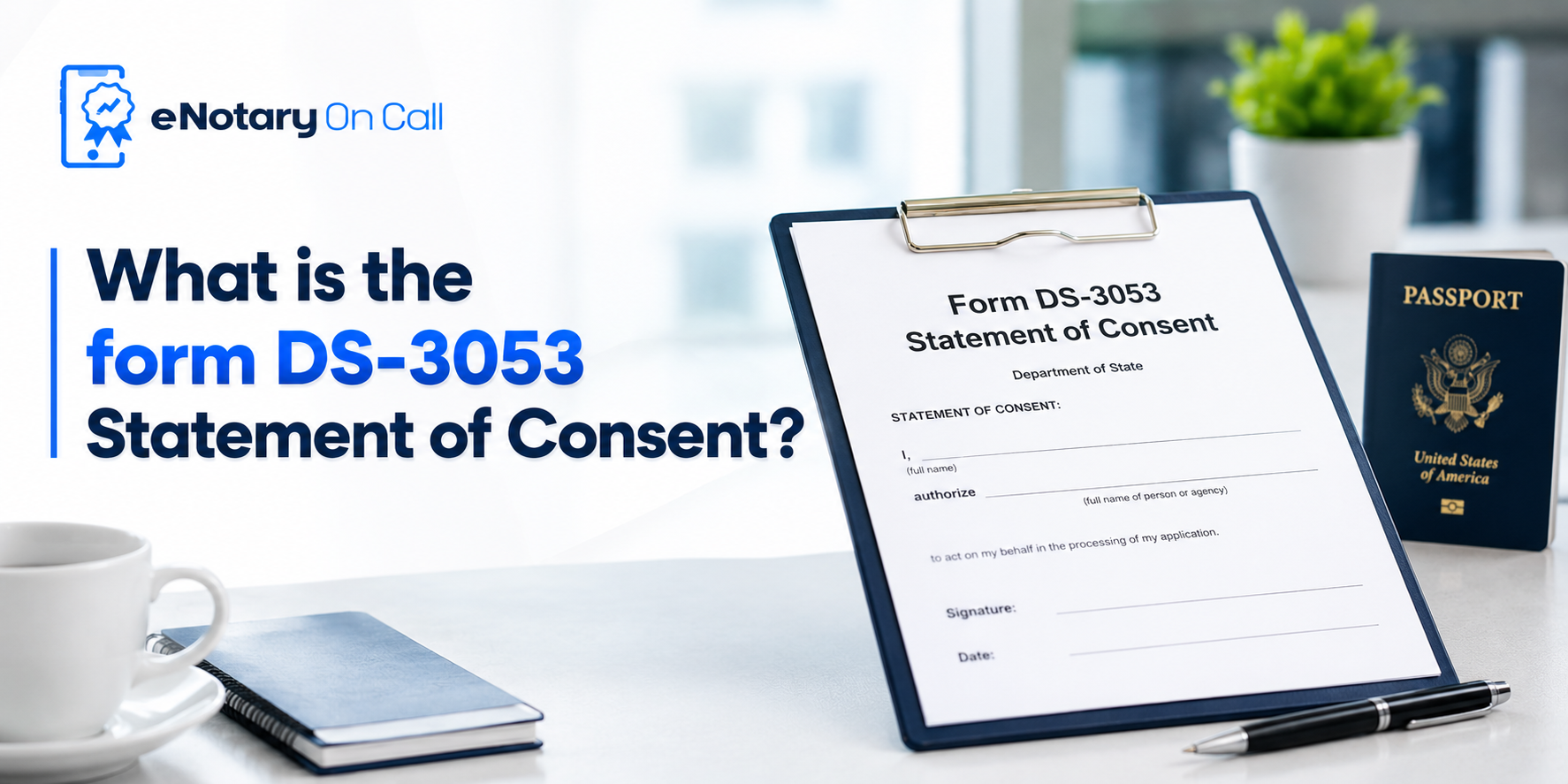
The form ds-3053 statement of consent provides explicit legal permission from a non appearing parent for a minor child to receive a US passport. The government uses this critical Form DS-3053 to prevent international child abduction and passport fraud.
You cannot simply sign a piece of paper. You must legally verify your identity and sign the ds 3053 application form in front of a commissioned professional.
Many parents wonder if they can handle this step digitally to save time. The great news is that you can notarize Form DS-3053 online using highly regulated remote platforms.
The Checklist Before You Notarize Form DS-3053 Online
Before you connect with a professional, having the right items ready ensures a smooth process. Make sure you gather these four things:
- Your unsigned form ds-3053.
- A valid government issued photo ID.
- A device with a working camera and microphone.
- A stable internet connection.
Having these ready helps you finish the form ds-3053 process in under 10 minutes.
How to Notarize Form DS-3053 Online Fast? A Step by Step Guide
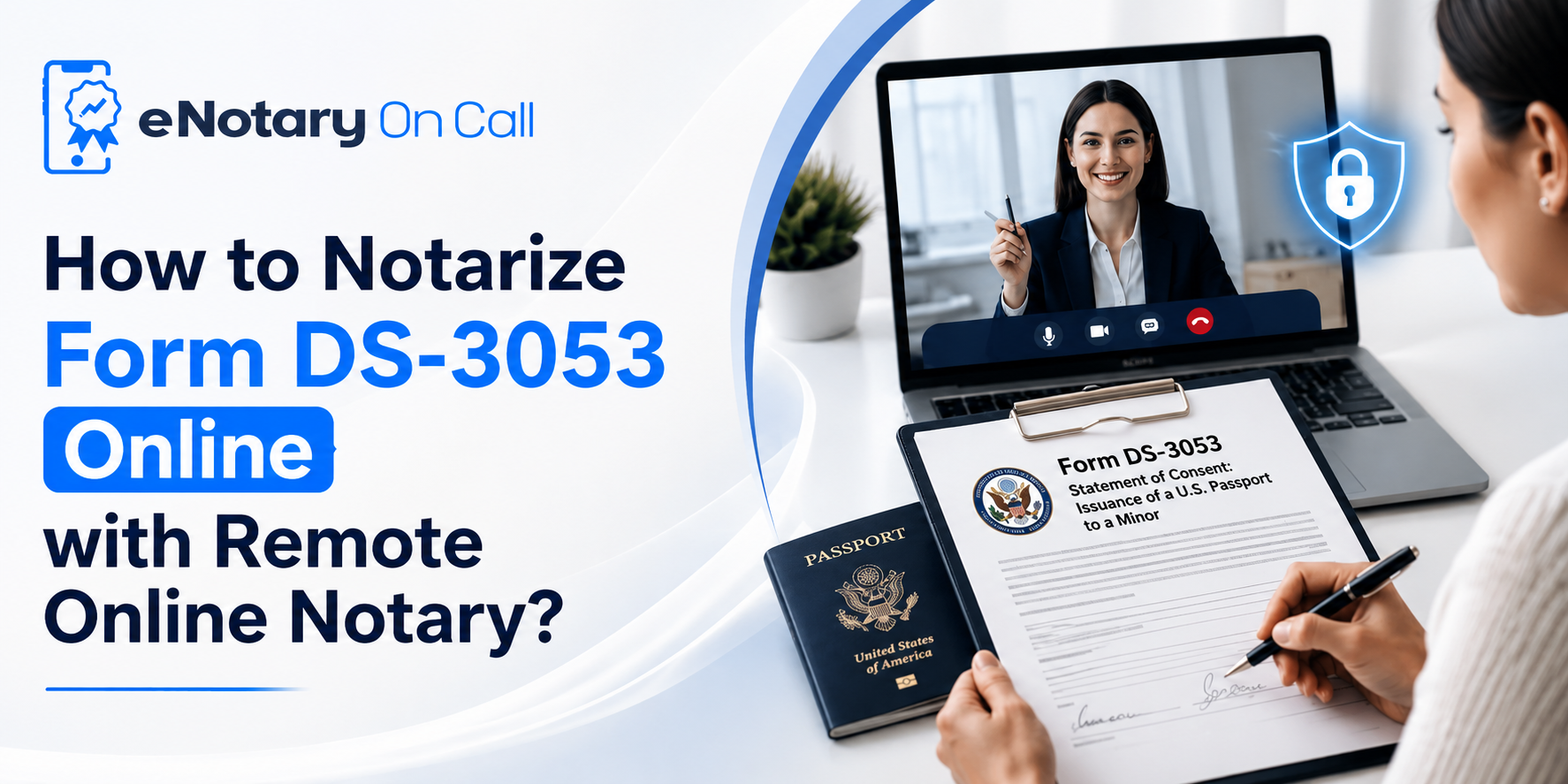
If you want the fastest route possible, Remote Online Notarization offers a perfect solution. Best RON platforms like eNotary On Call connect you to a live professional online notary New York instantly. Here is the exact process to get your Form DS-3053 approved securely.
- Fill out the fields: Complete the form ds-3053 accurately but leave the signature box completely blank.
- Upload your file: Create a free account on the eNotary On Call portal and upload your unsigned form ds-3053 statement of consent.
- Verify your identity: Pass a strict Knowledge Based Authentication check and a biometric selfie match. This automated security layer prevents identity fraud.
- Join a live video call: Connect instantly with a commissioned professional via secure video. They will witness you signing the document in real time.
- Download your file: The professional applies a tamper evident digital seal. You can download the legally binding ds 3053 application form immediately.
Because eNotary On Call maintains strict SOC 2 and HIPAA compliance, your personal data stays entirely protected. The system generates a comprehensive 10 year audit trail of the video session and chat logs, giving passport agencies absolute proof of the transaction.
Traditional vs. Digital: Processing Your Form DS-3053
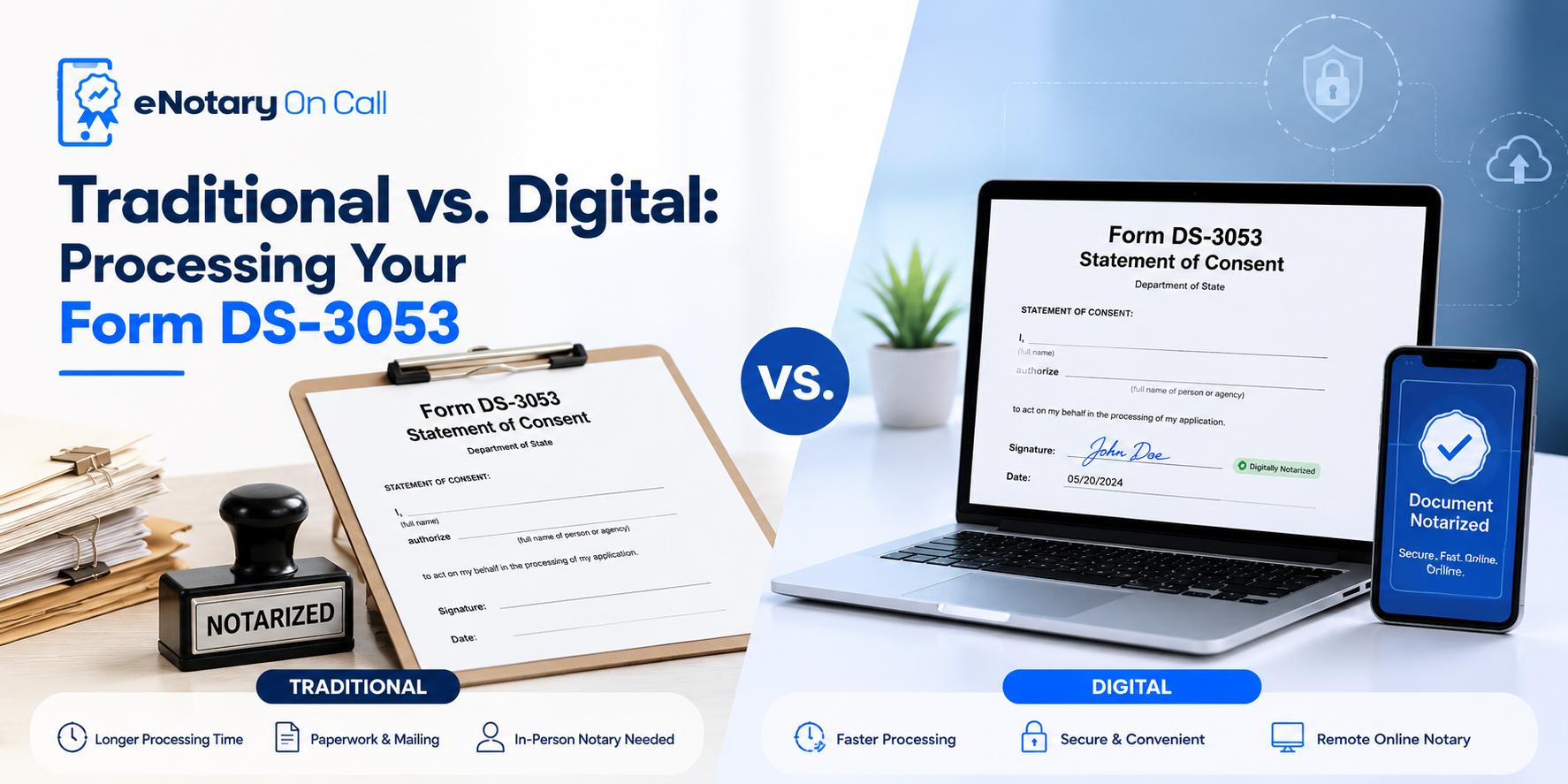
When you need to notarize Form DS-3053 online, you might wonder how it compares to the old fashioned way. Here is why going digital is the better choice for your Form DS-3053 needs.
| Feature | eNotary On Call (Online) | Traditional In Person |
| Time Required | Under 15 minutes | 1 to 3 hours with travel |
| Availability | 24/7 Access | Standard business hours |
| Security | Biometric check and 10 year audit trail | Basic visual ID check |
| Location | Anywhere (Home or Office) | Physical office only |
Top Mistakes to Avoid When You Notarize Form DS-3053 Online
To ensure the passport agency accepts your document without any delays, avoid these common errors:
- Signing too early: Never sign the document before joining your live video session. The professional must watch you sign it.
- Forgetting the ID photocopy: You must provide a clear two sided photocopy of the exact same ID you used during your eNotary On Call session.
- Missing the 90 day window: Your notarized document expires exactly 90 days after the digital seal is applied.
Navigating State Rules: Online Notary Texas and Online Notary Florida
You might ask if your physical location matters. Can you use an online notary Texas expert if you currently live in California? Can you connect with an online notary Florida professional while traveling internationally?
The answer is yes. Thanks to the Full Faith and Credit Clause of the US Constitution, a document legally sealed in one state remains fully valid across all state lines.
When you book a session with an online notary Texas professional, they operate under strict state jurisdiction laws. The exact same principle applies when you use an online notary Florida professional.
As long as the professional holds an active commission, federal agencies accept the legal authority of the digital seal. Whether the system pairs you with an online notary Florida professional or an online notary Texas professional, eNotary On Call automatically routes you to the first available expert.
Beyond Passports: Notarize Quitclaim Deed Online and Notarize Affidavits Online
Once you realize how effortless the digital process is, you might want to handle other pending legal paperwork. The eNotary On Call platform supports a massive variety of personal and business needs beyond travel consent.
For real estate investors, you can easily notarize quitclaim deeds online to transfer property ownership fast. You do not need to schedule appointments weeks in advance to notarize quitclaim deeds online. You just upload the property file and connect. Many families also choose to notarize quitclaim deeds online during divorce settlements or estate planning to speed up asset transfers.
Similarly, many legal situations require sworn statements. You can notarize affidavits online in a matter of minutes. If a local school district or an employer needs proof of where you live, you can draft an affidavit of residency and verify it digitally.
Processing an affidavit of residency takes just as little time as a passport form. You can seamlessly notarize affidavits online, submit your affidavit of residency, and get right back to your day. Families constantly notarize affidavits online to save hours of driving and waiting.
Conclusion
Getting your child ready for international travel should feel exciting rather than stressful. You no longer need to take time off work or sit in heavy traffic to find a local professional. When you notarize Form DS-3053 online, you take complete control of your schedule.
From processing your passport paperwork to handling complex property transfers, modern technology makes legal compliance effortless. Create your secure eNotary On Call account today and get your documents legally sealed in under 10 minutes!
FAQs
1. Can I use eNotary On Call if I am traveling outside the US?
Yes. You can use the platform from anywhere in the world. As long as you have a stable internet connection and a valid US government ID, our professionals can legally verify your form ds-3053 statement of consent internationally.
2. How long does a typical session take?
An average session takes under 10 minutes from your initial document upload to receiving the final digital seal.
3. Why do I have to answer personal questions before joining the call?
This is known as Knowledge Based Authentication. It is a strict federal requirement designed to prevent identity fraud. By answering questions only you would know, you prove that the person signing the ds 3053 application form is truly you.
4. Can I notarize multiple documents at once?
Yes. You can upload several files during a single session. Whether you need a passport form or an affidavit of residency, eNotary On Call processes them together quickly.
5. Is the platform secure enough for sensitive family documents?
Absolutely. The platform features AES 256 encryption and maintains strict SOC 2 and HIPAA compliance to protect your sensitive personal data at all times.
6. What happens if I lose my internet connection during the call?
Do not panic. You can simply log back into your secure dashboard and reconnect. The system saves your progress so you can finish your session without starting completely over.
7. Do I need special software to join the call?
No special software is needed. You can use any standard web browser or download the dedicated mobile app to connect instantly.
8. Will passport agencies definitely accept a digitally signed form?
Yes, most passport acceptance facilities accept properly executed remote notarizations. The 10 year audit trail provides undeniable cryptographic proof of your session.